EPA Stormwater Calculator
The URL to get to EPA SWC is https://swcweb.epa.gov/stormwatercalculator/.
Location
Running through the Stormwater Calculator the 1st thing that is put in is location. Banklick Creek is easily identified
Soil Type
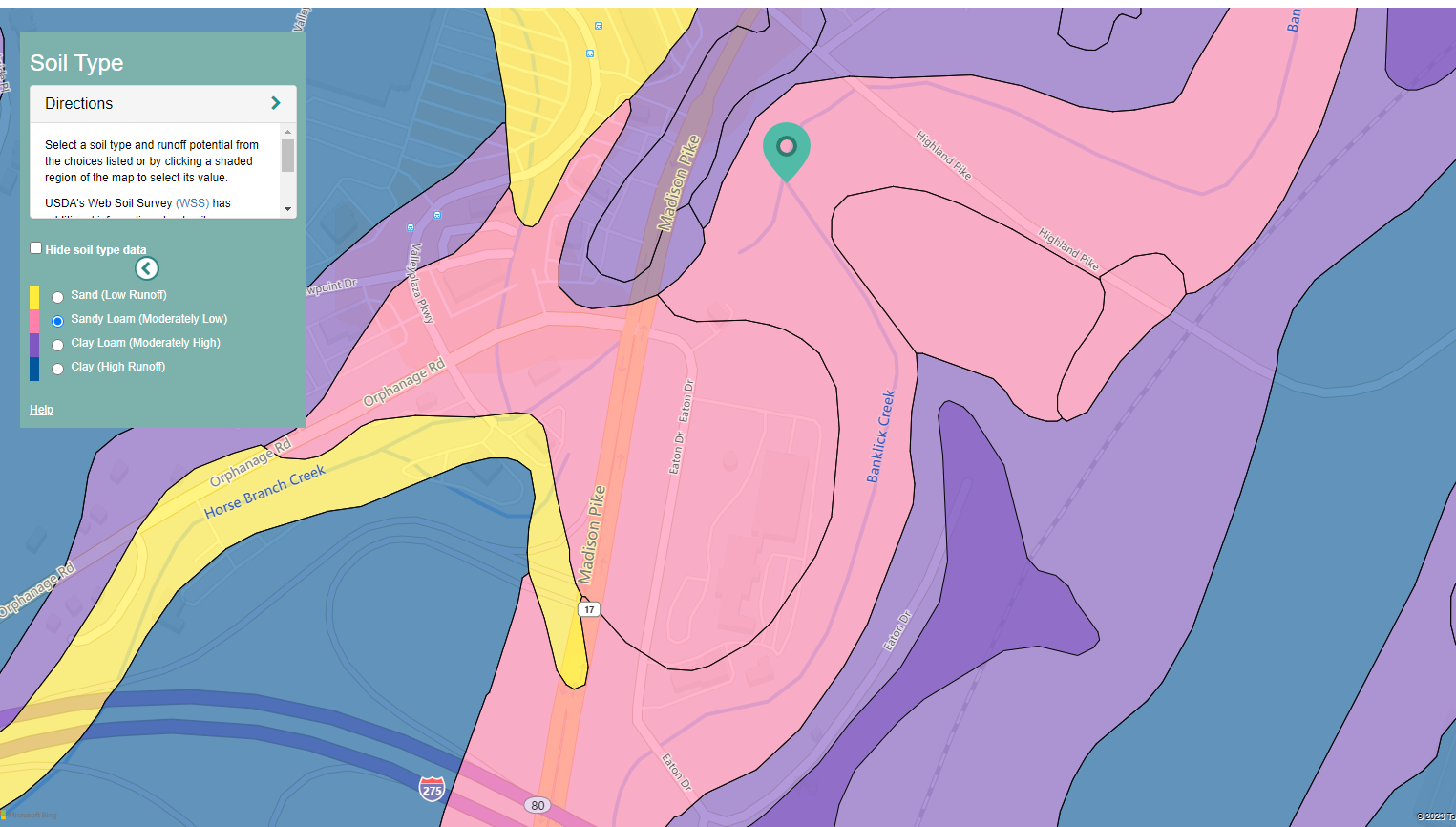 UrL for getting the soil data is as follows:
https://swcweb.epa.gov/swcalculator-server/api/v1/soils?latitude=38.99550867774415&longitude=-84.53898977196341&distance=1000
UrL for getting the soil data is as follows:
https://swcweb.epa.gov/swcalculator-server/api/v1/soils?latitude=38.99550867774415&longitude=-84.53898977196341&distance=1000
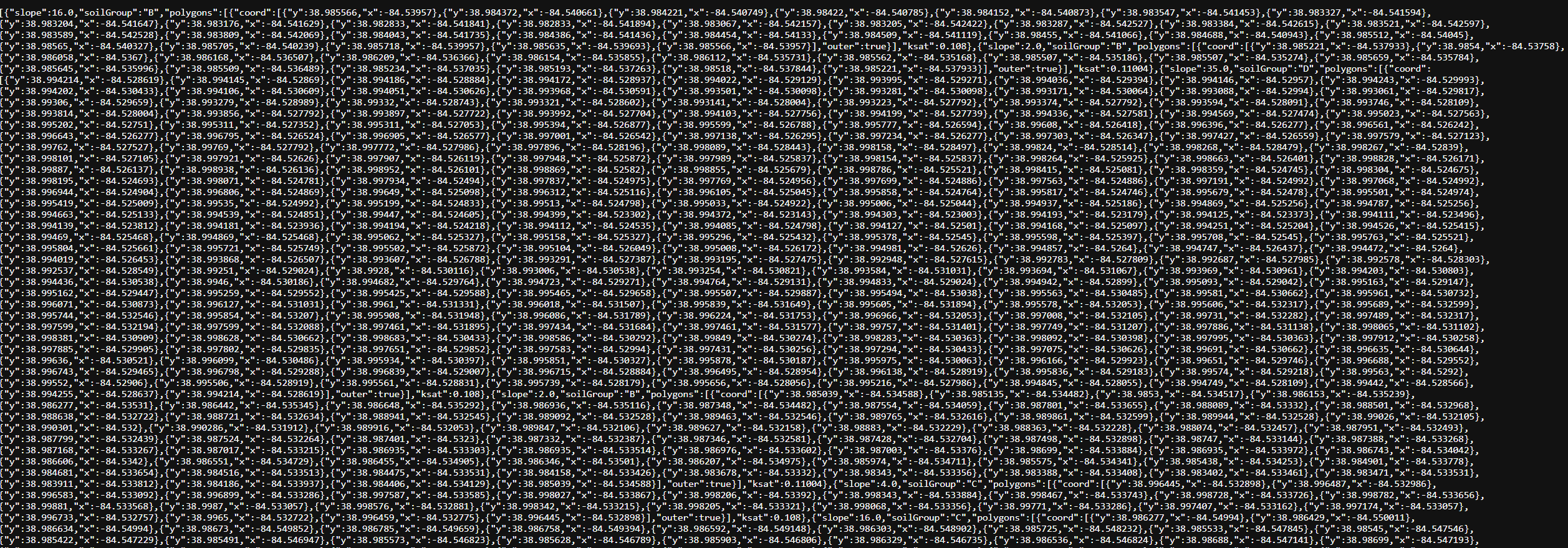
It returns the following data
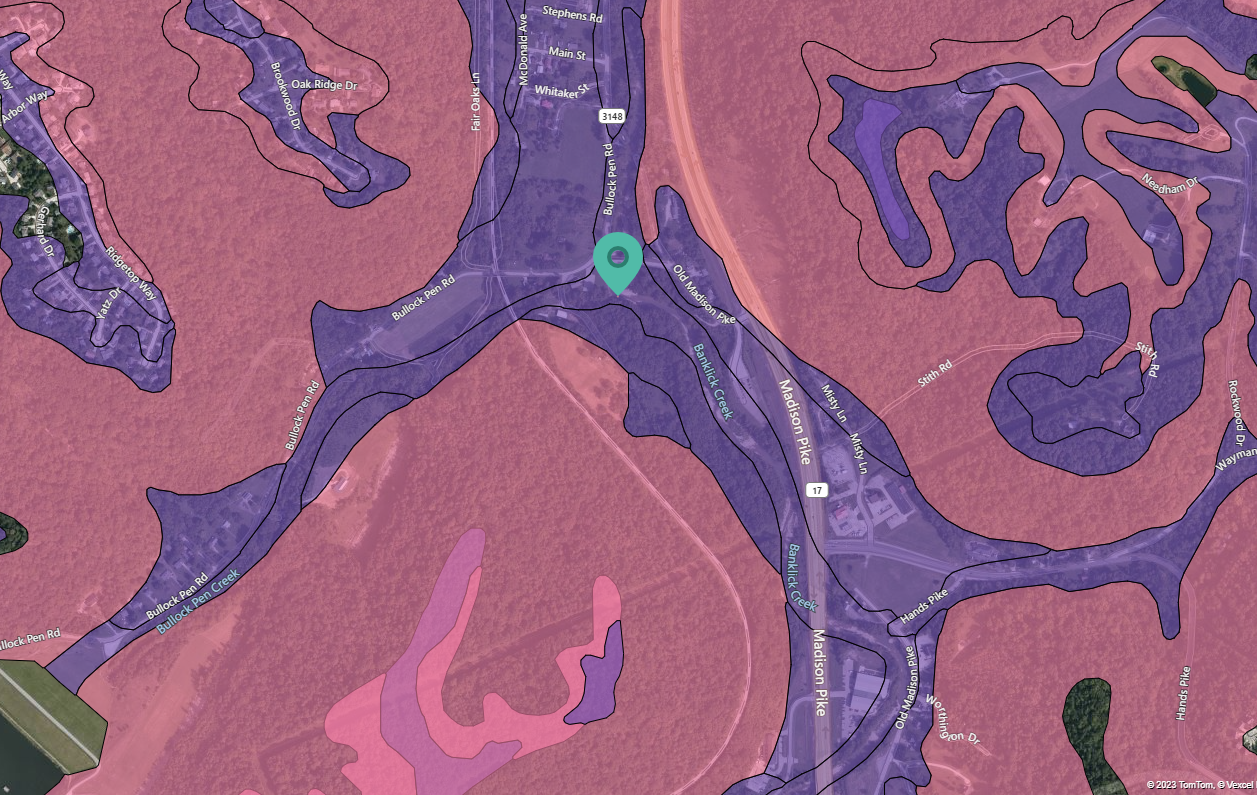
Drainage
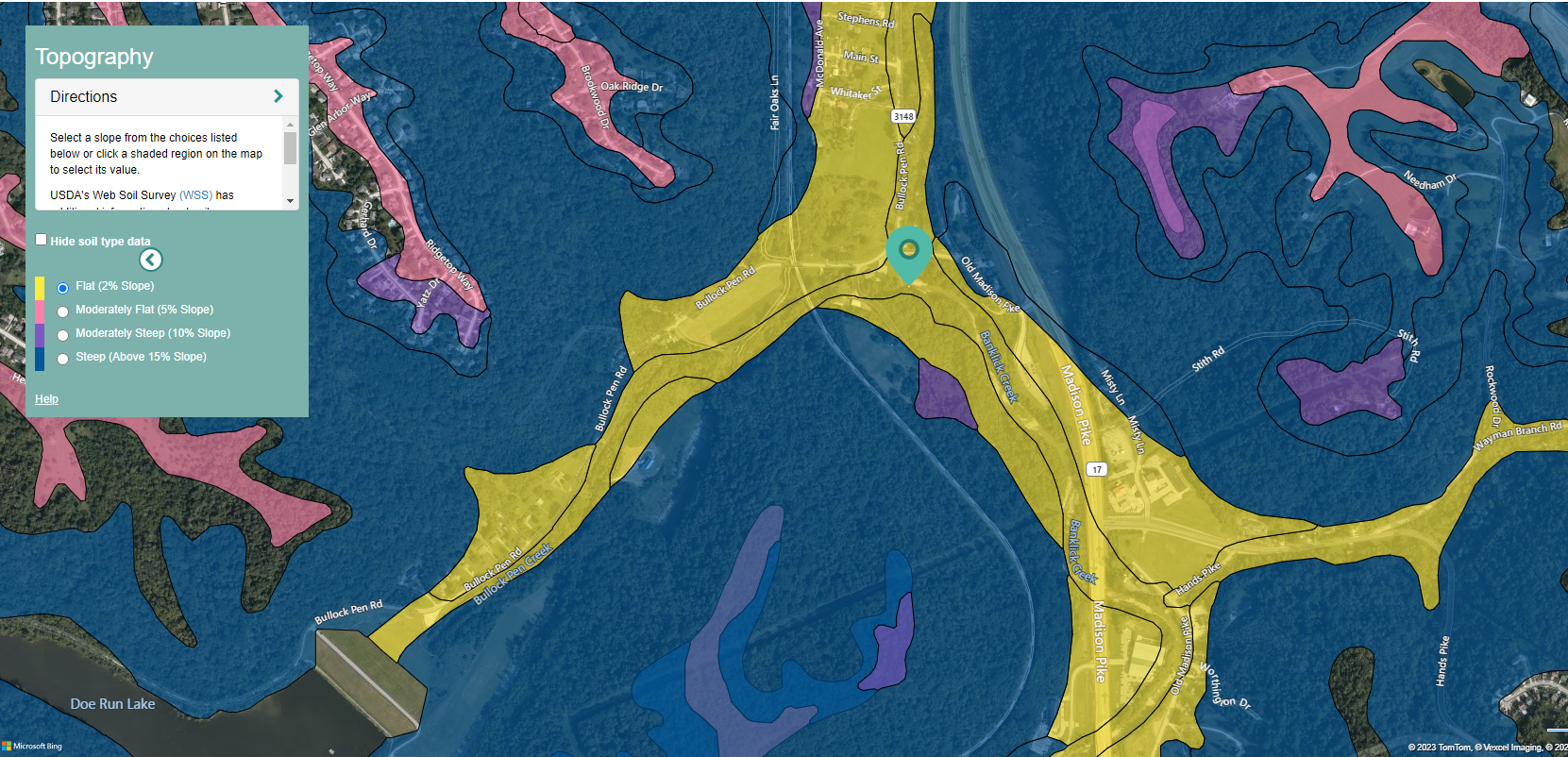
Topography
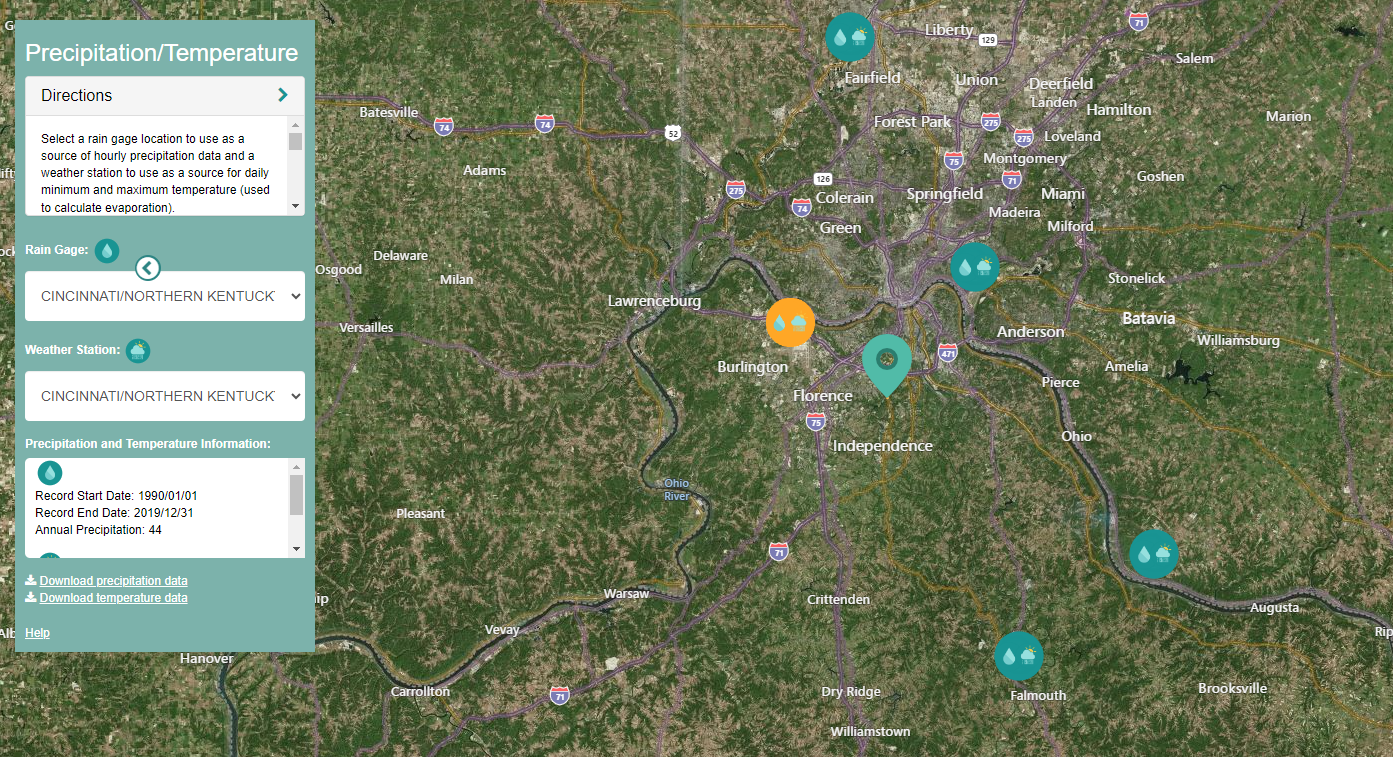
Rain Gages
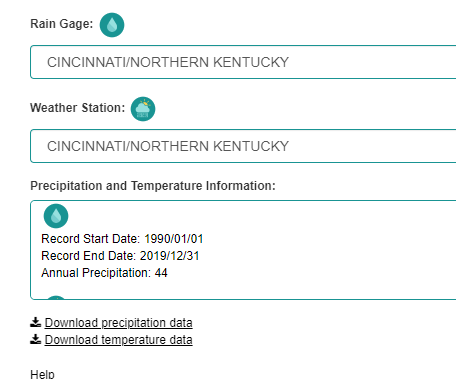
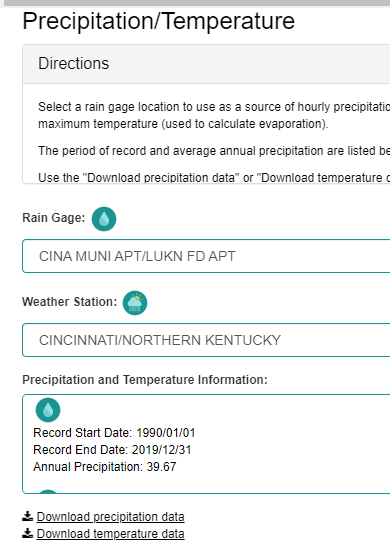
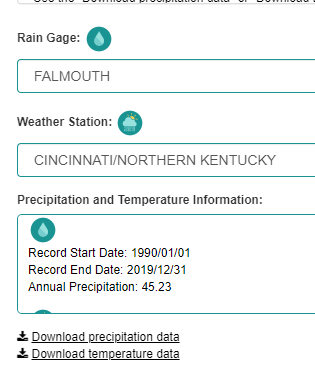
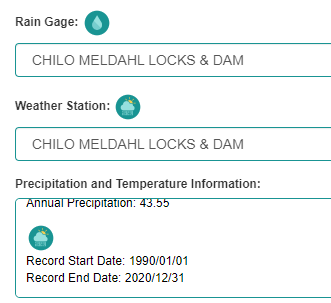
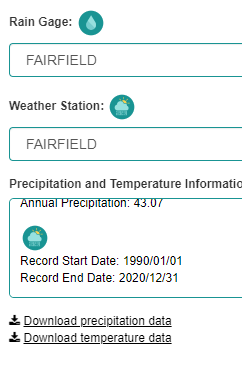
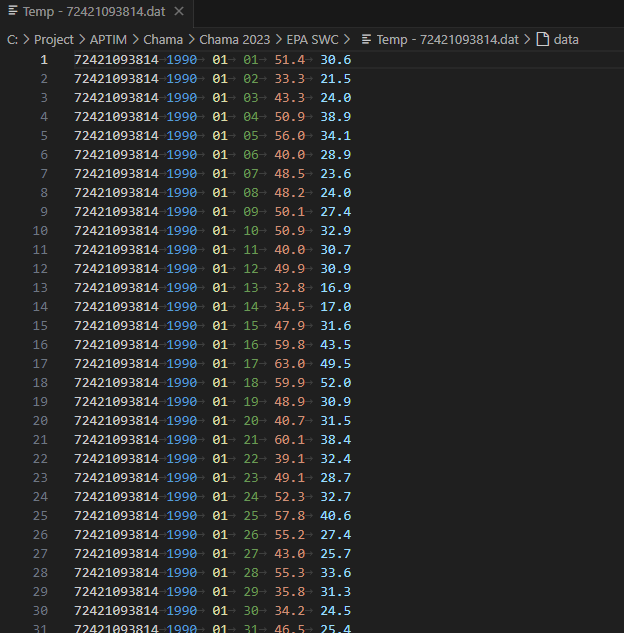
We can also pull down temperature files.
NOTE
You need to select the rain gages from the map and not from the dropdown boxes. The dropdown boxes do not work and you will save the same rain gage file multiple times.
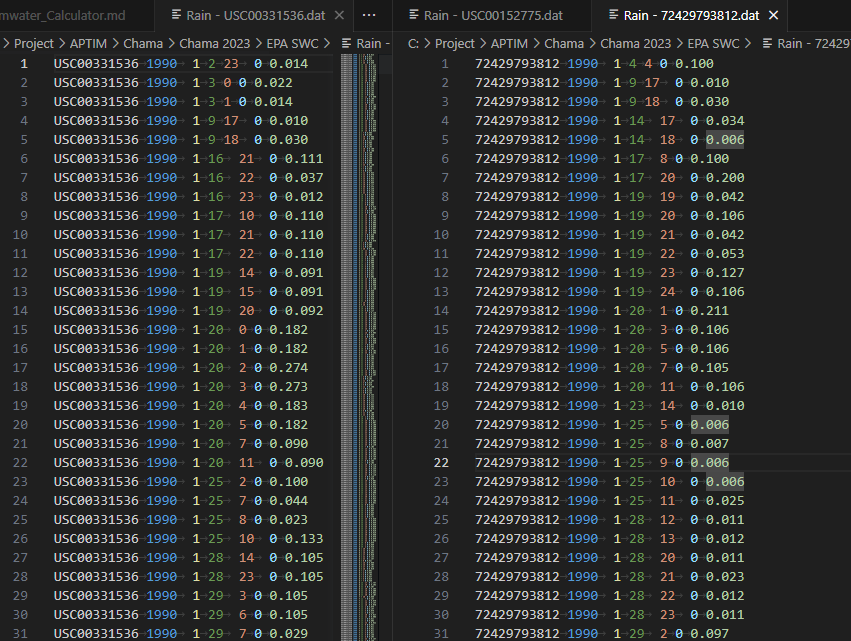
The rainfall gages go from 1990 - 2019. The format is the same as our rainfall.dat files. This is Gage Id, Year, Month, Day, Hour, Minute, rainfall value. The rainfall data in these files is hourly.
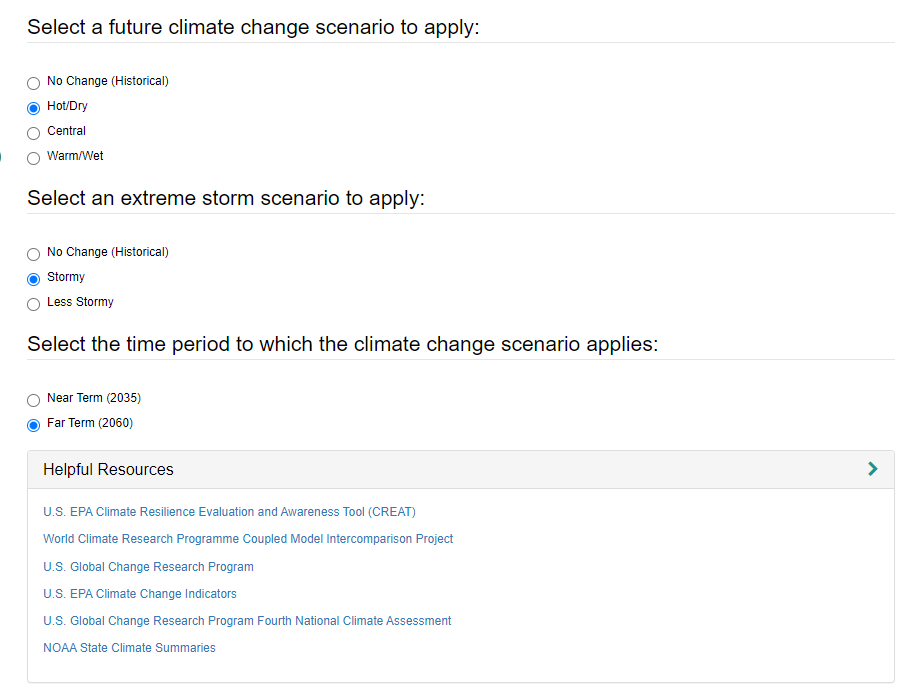
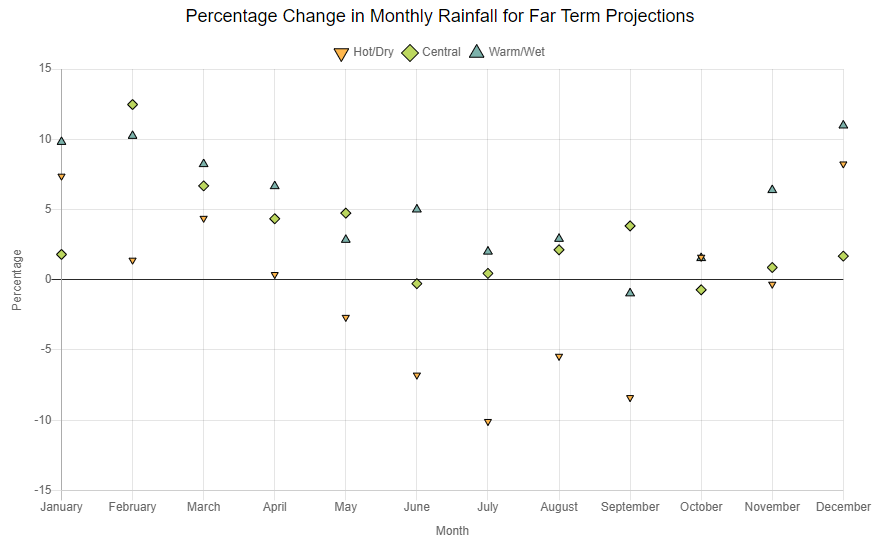
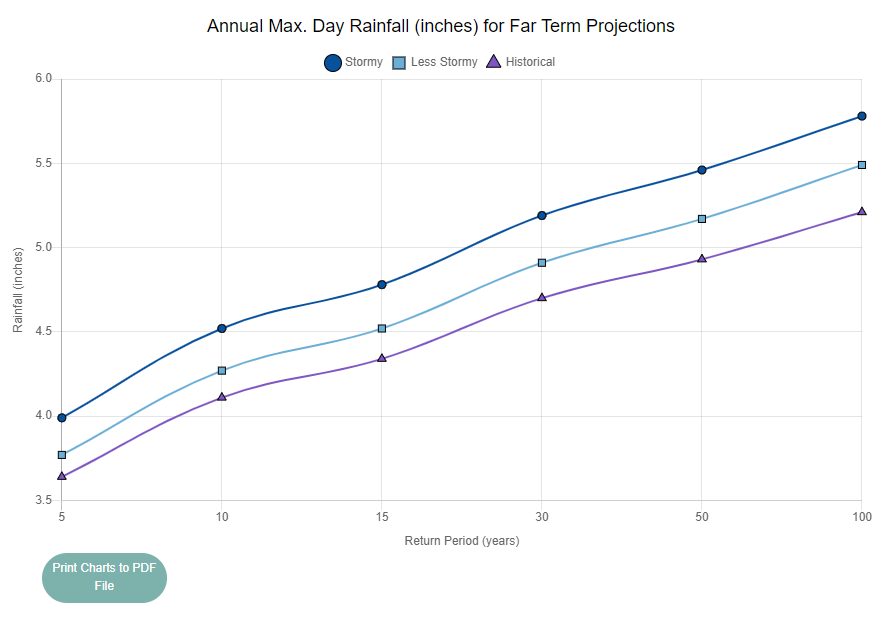
Climate Change
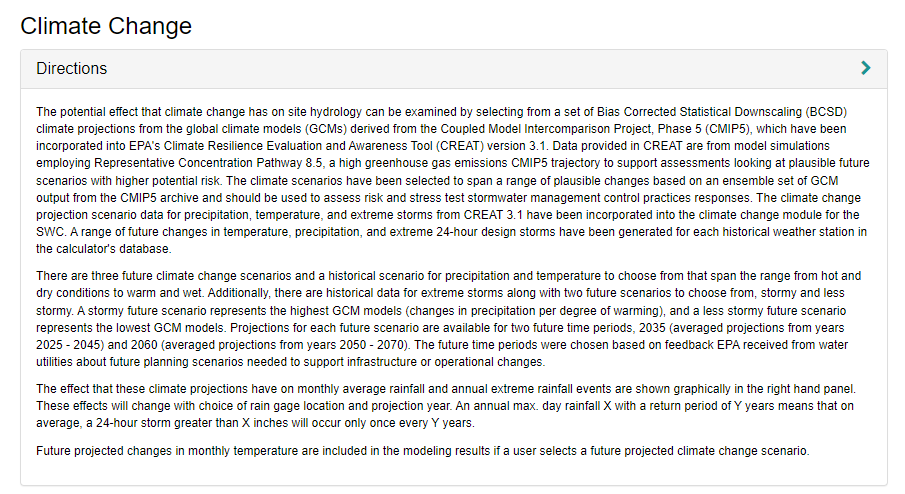
This is the first page that we do not have a similar page for. Therefore I have documented this a little more.
Land Cover
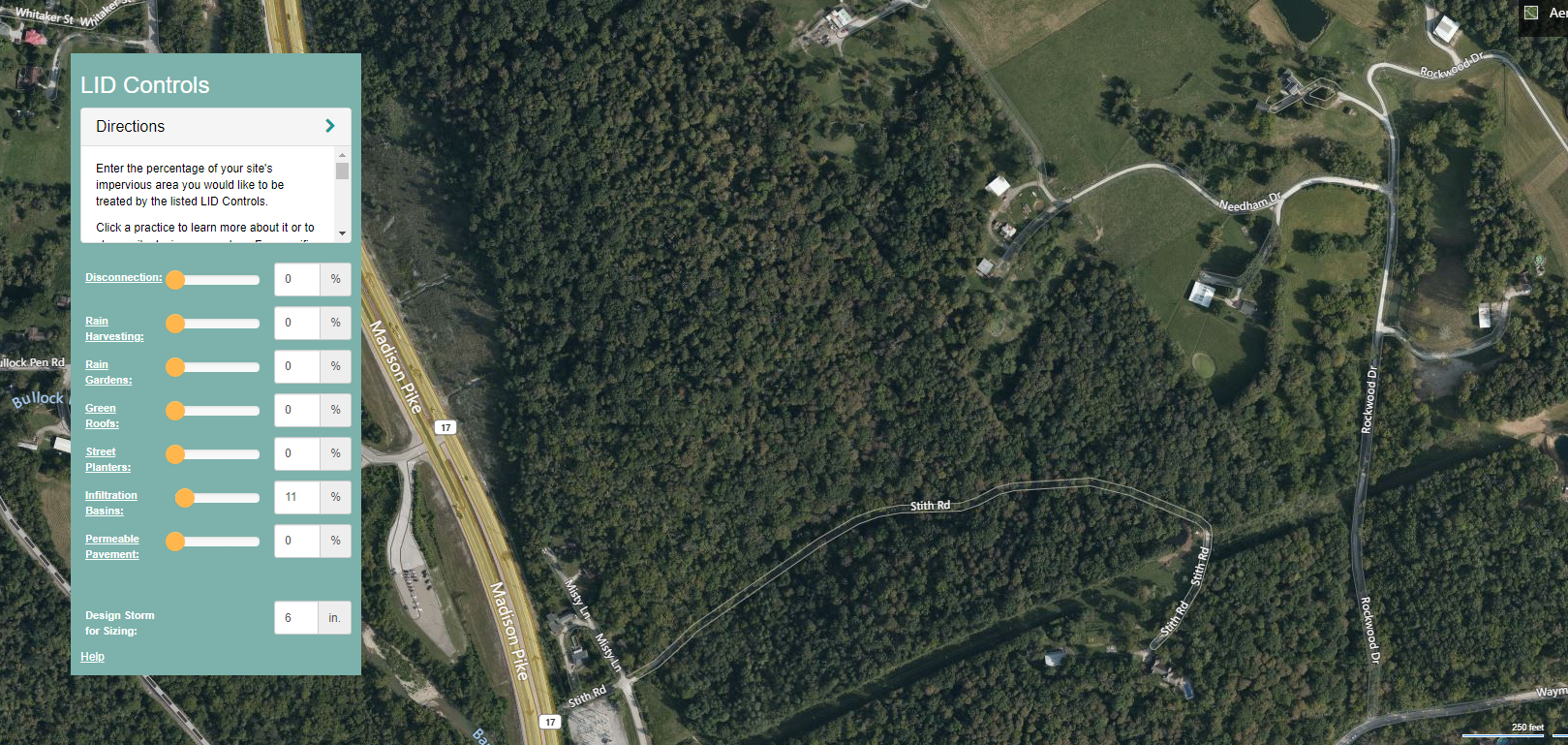
LID
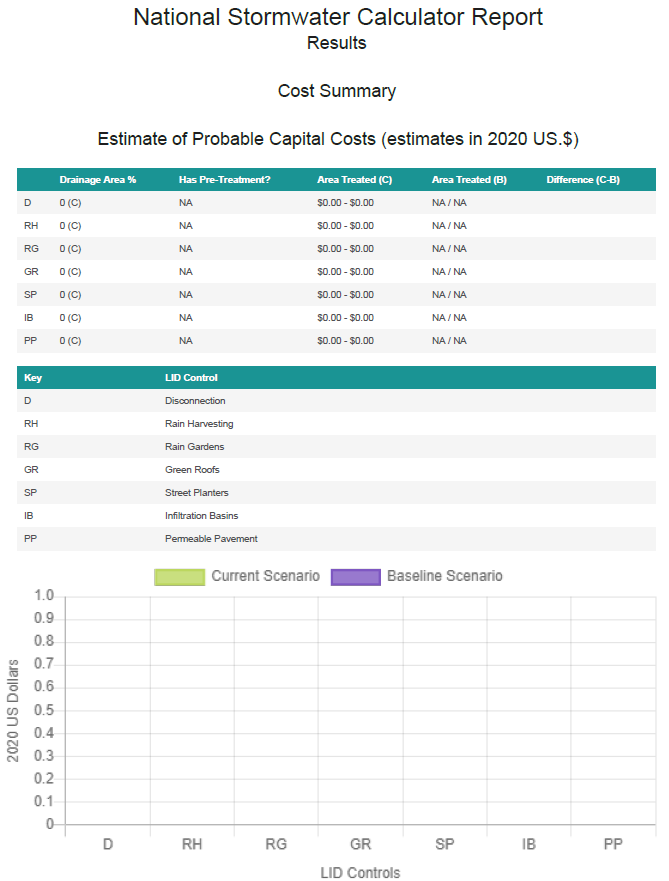
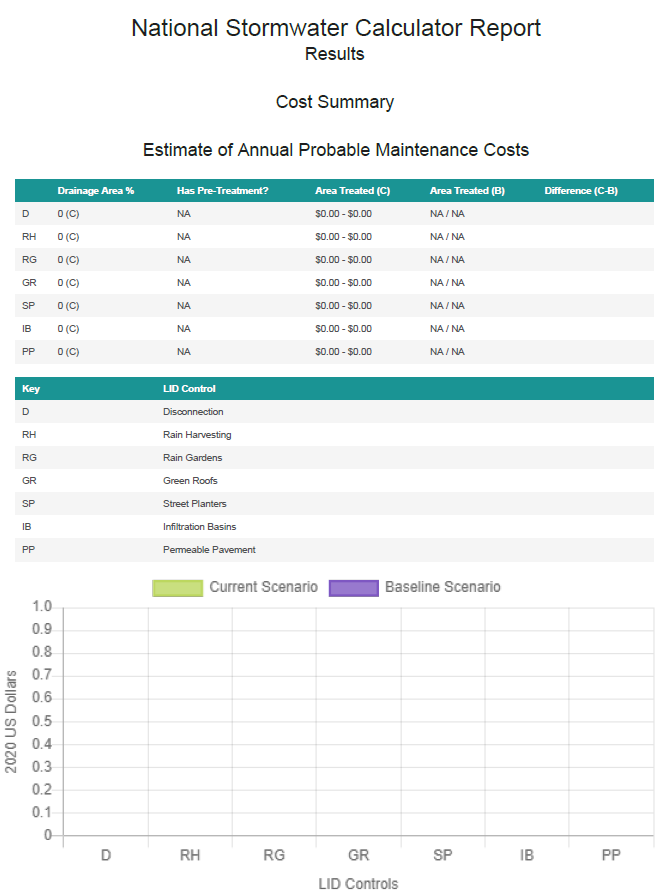
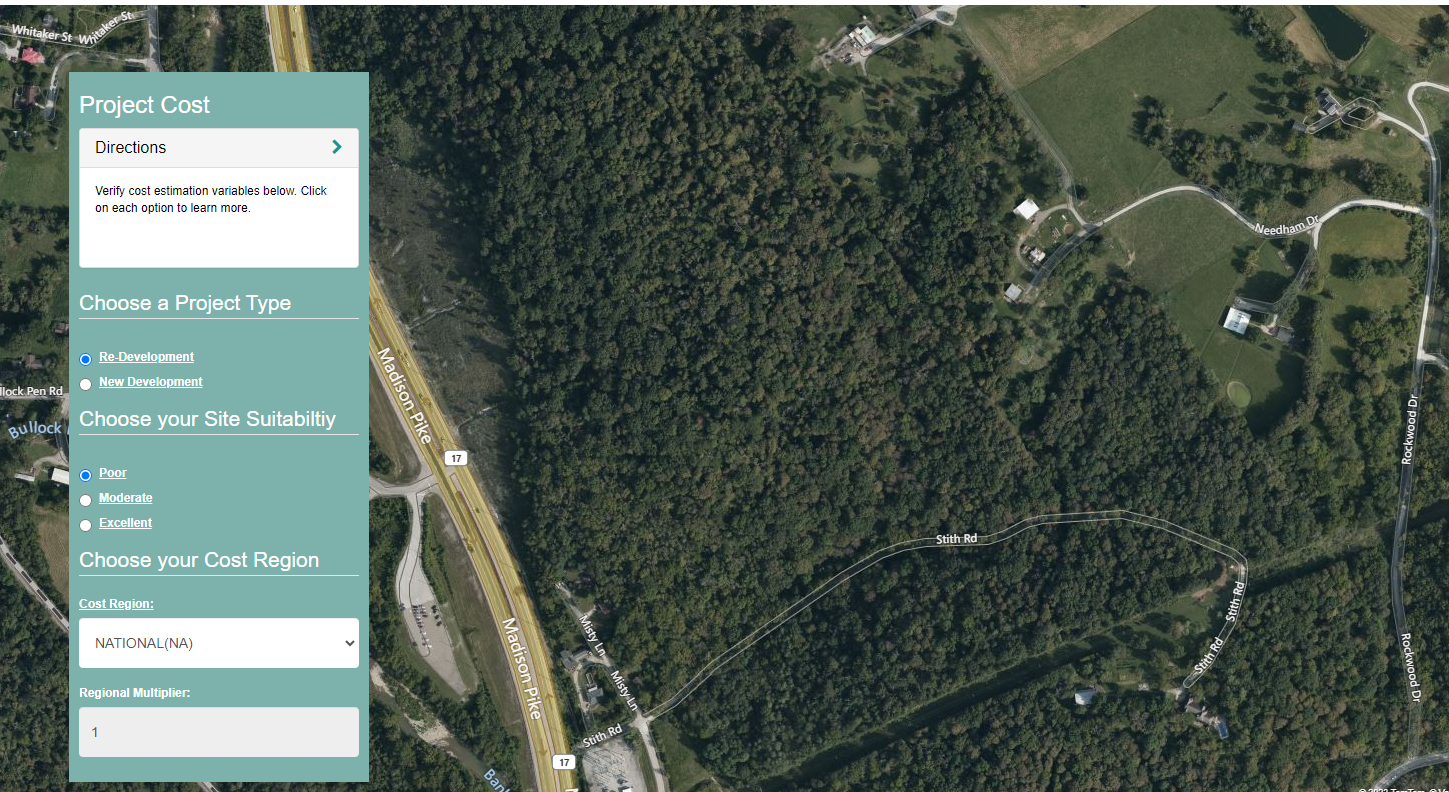
Project Cost
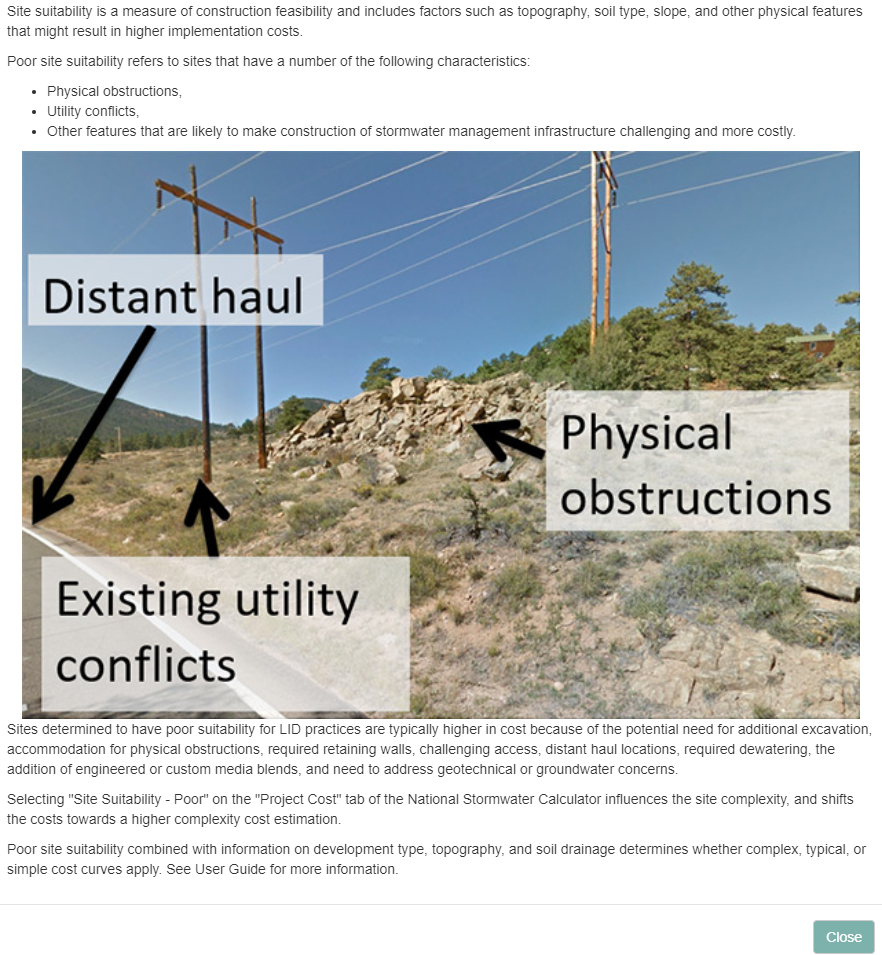
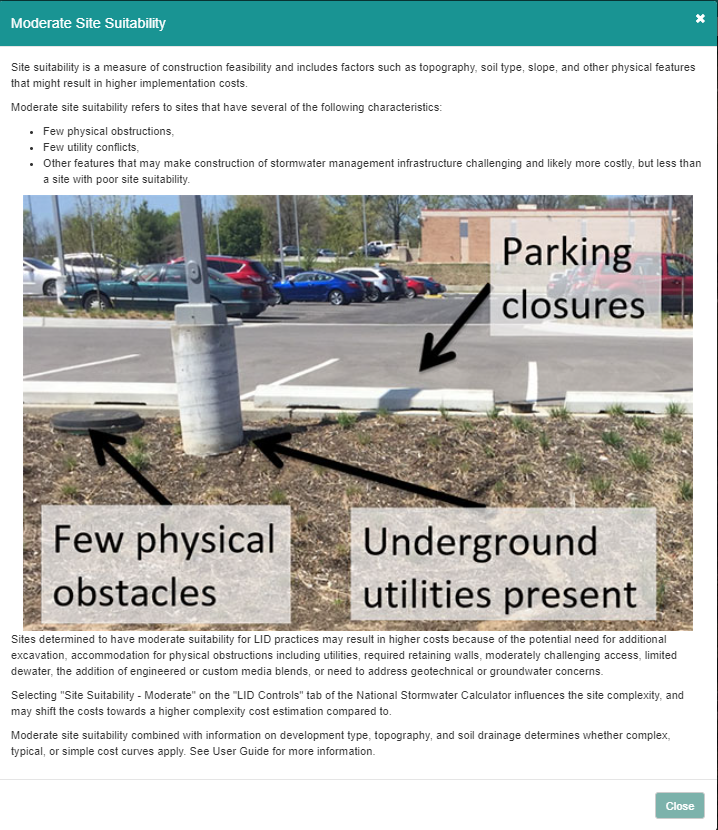
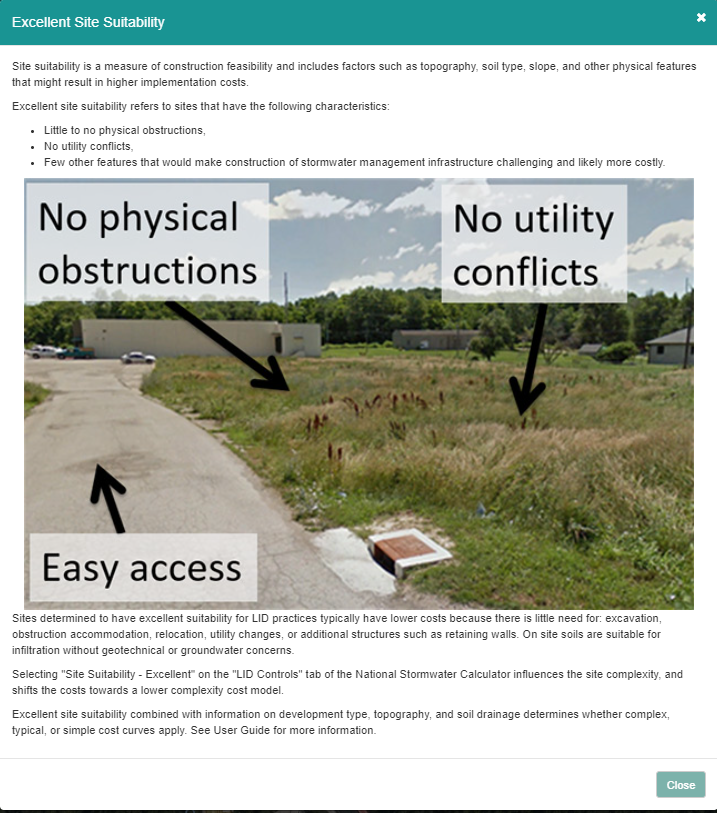
This is another section that we have not done.
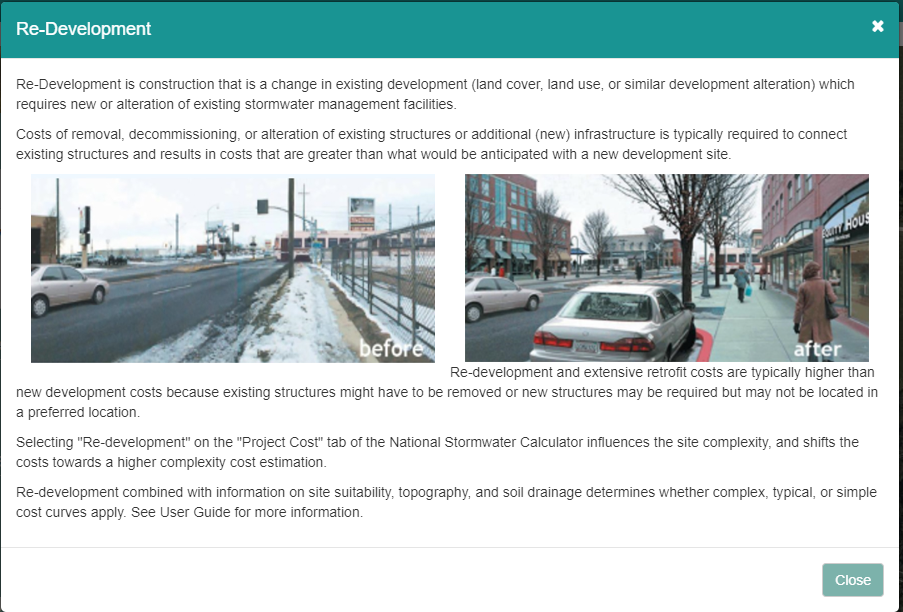
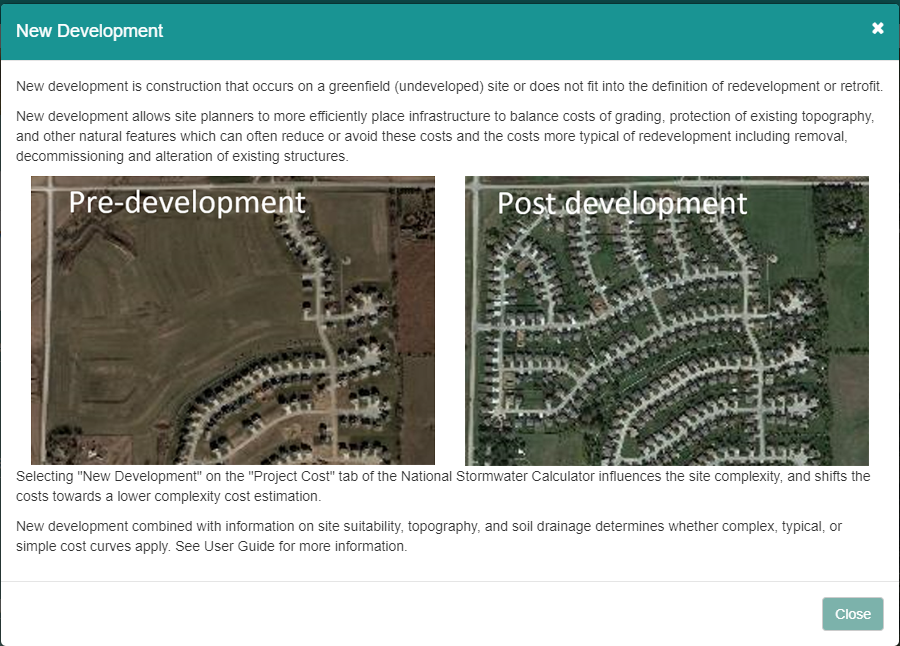

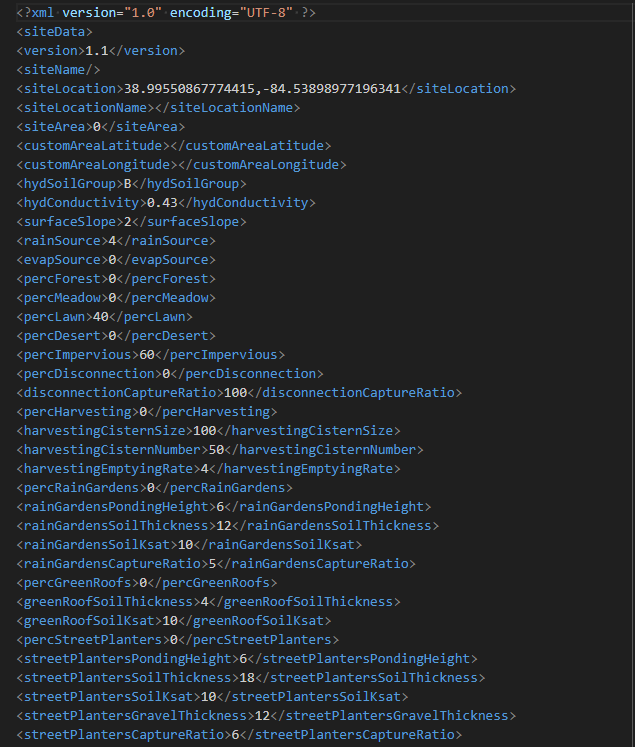
Saving the XML style data
Outlook will not allow you to download the file. Yahoo does not have that problem.
This is not an INP file. It is just an XML. I have not seen any location where an INP file is generated.
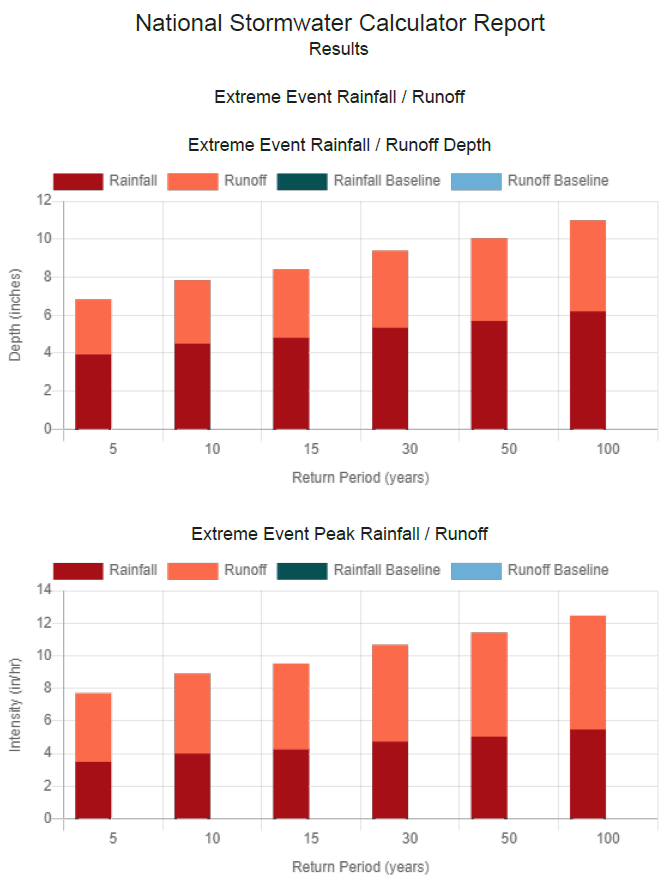
Results Page
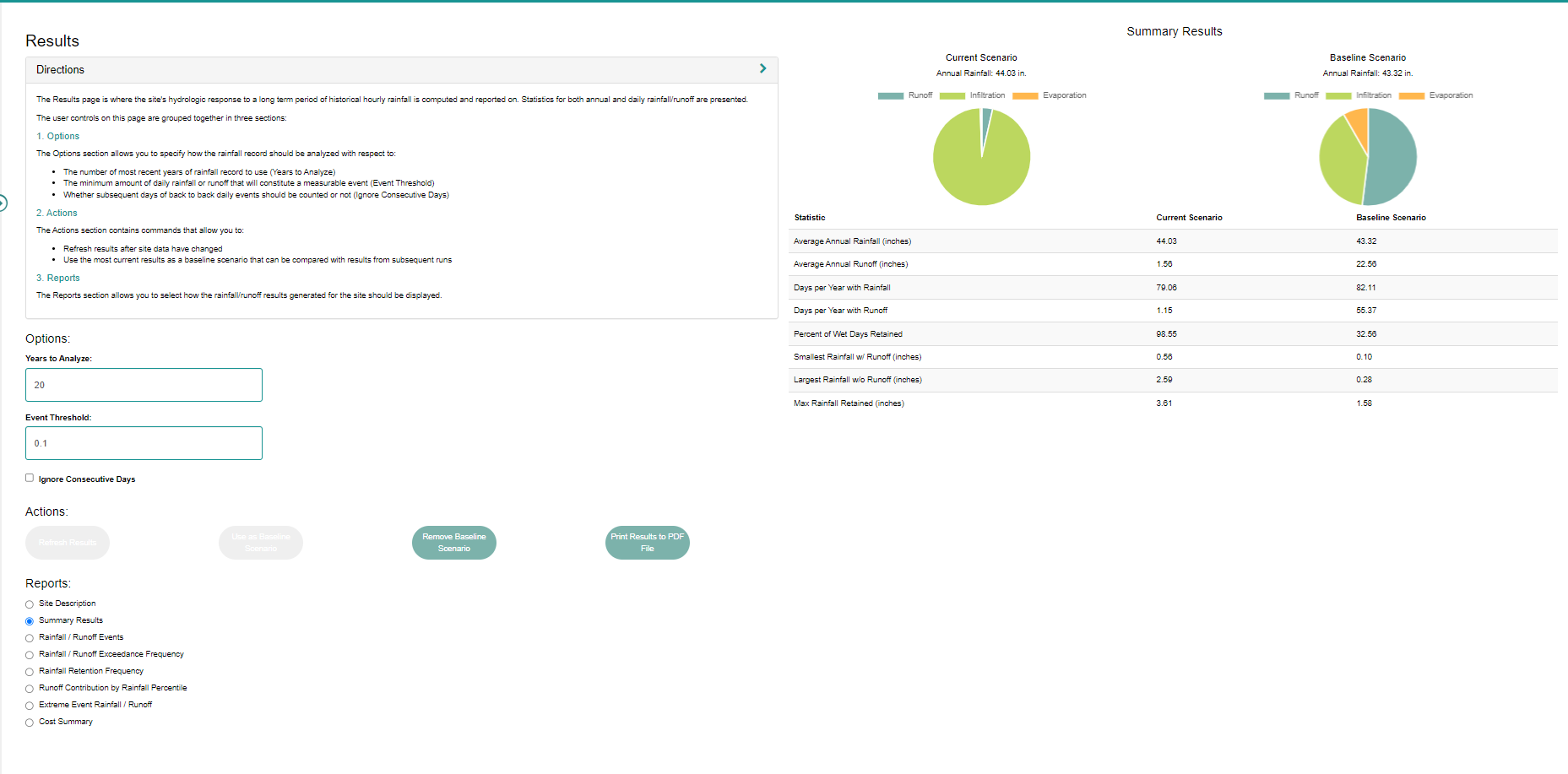
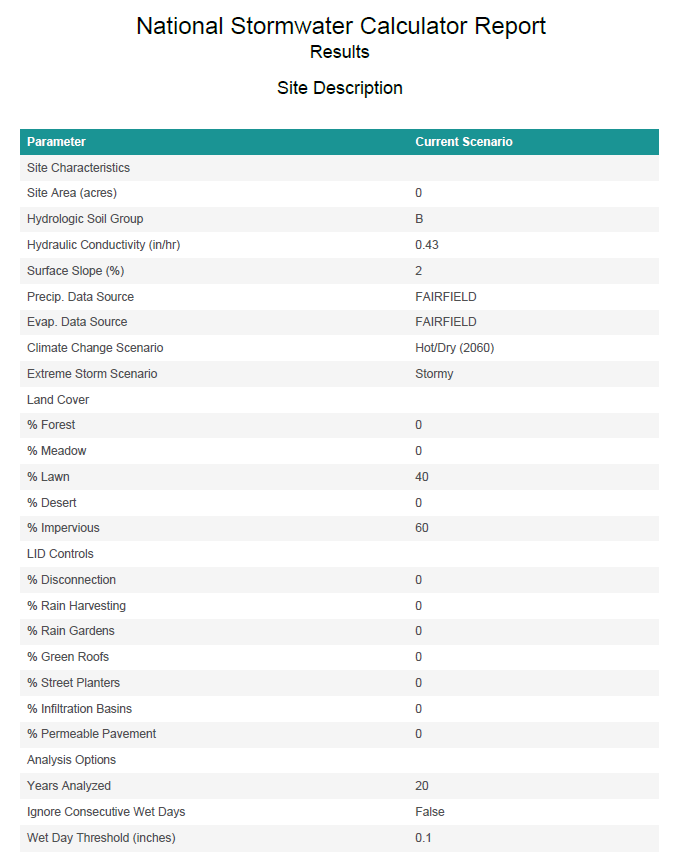
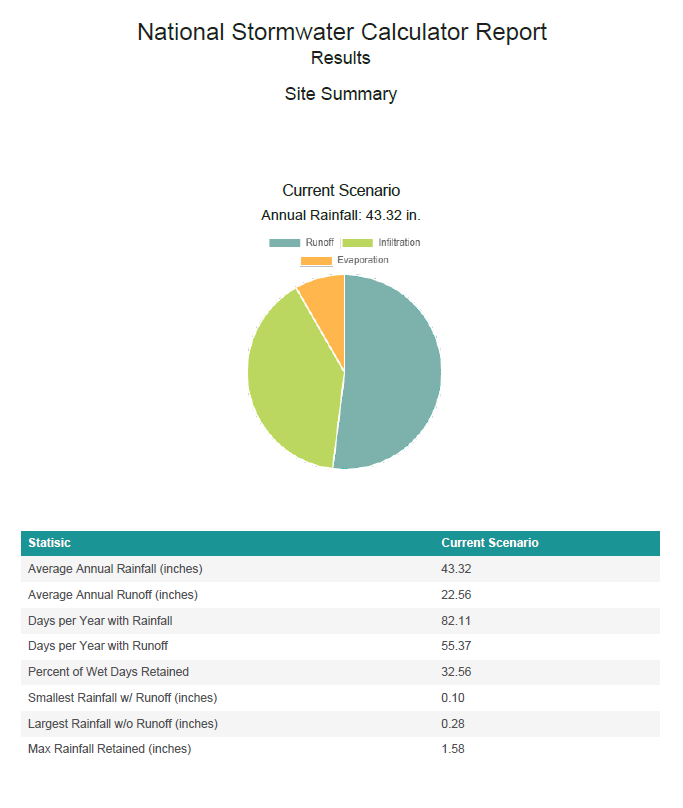
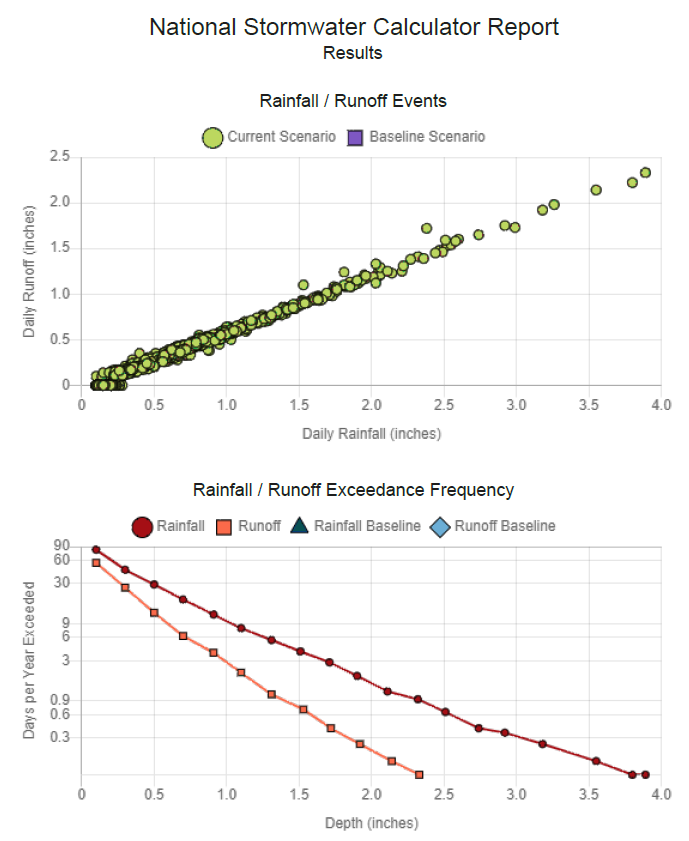
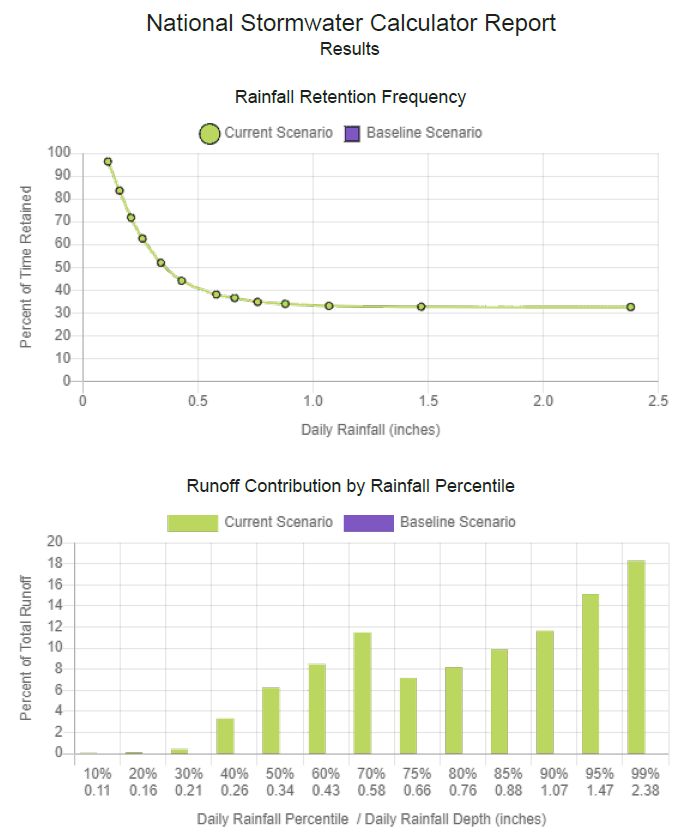
Saving the results
You can download a PDF.